 ExportCue
Choose the final file
Open one supported MOV, MP4 or M4V export from Photos or Files. Preflight rejects unsupported inputs before creating a scan.
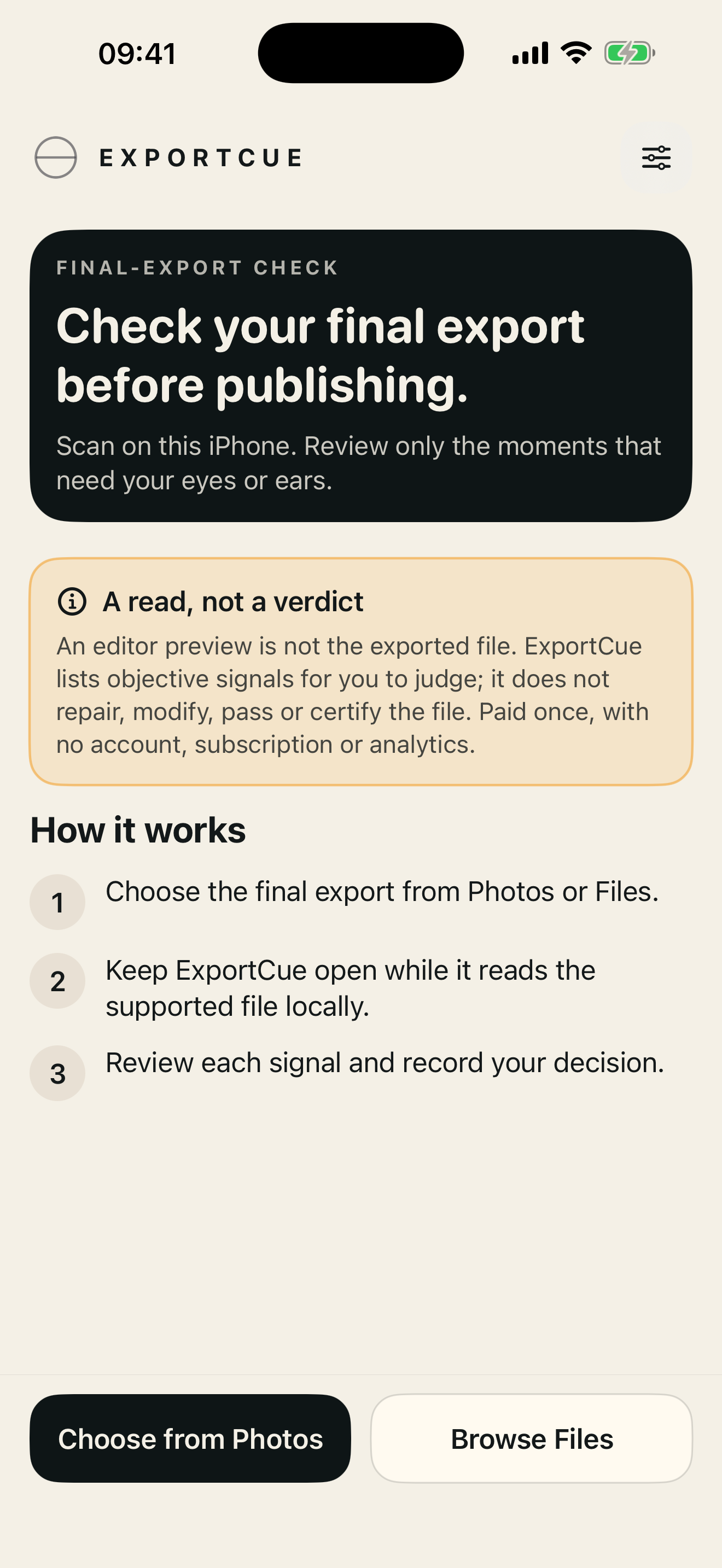
A final check for iPhone video exports
ExportCue reads the actual final file and narrows a full replay into a short list of moments worth checking. You make every decision.
One closed loop
Open one supported MOV, MP4 or M4V export from Photos or Files. Preflight rejects unsupported inputs before creating a scan.
ExportCue checks video and audio locally and shows only the range it has actually read. Errors and interruptions keep coverage incomplete.
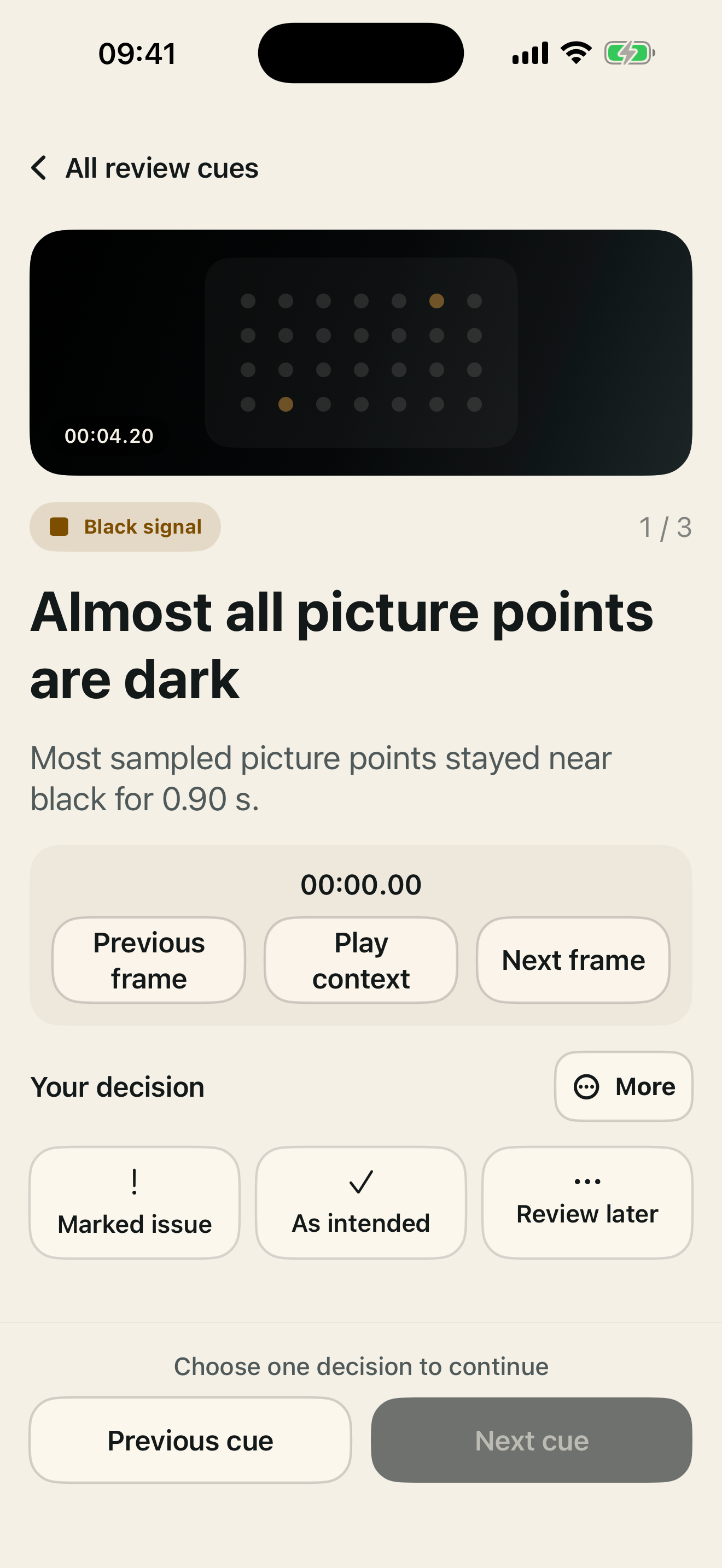
Mark each signal as an issue, intentional or something to revisit. Re-export when needed, scan again and compare both timelines.
Objective signals, human judgment
ExportCue can point out black frames, unusually still runs, missing audio, sustained silence, clipping, fixed black borders, duration differences and unread intervals.
Those signals may be intentional. The app does not repair, pass, certify or guarantee a video.
Private by construction
When the selected file is on your iPhone, scanning, review, comparison and summary export stay on the device. No account, analytics, ads, tracking or automatic media upload.
Version 1.0
One video from 1 second to 20 minutes and up to 4 GB; MOV, MP4 or M4V; one H.264 or HEVC video track; zero or one supported audio track; up to 4K30 or 1080p60. On iPhone XS, XS Max and XR, choose a video up to 5 minutes at 1080p30. ExportCue does not inspect story, spelling, subtitles, copyright, aesthetics, platform transcoding or every possible playback problem.